opencode can use any model served over the OpenAI Chat Completions API. You describe the provider once in opencode.json. We set it up against CommentLLM's abliterated DeepSeek V4.1 Flash and GLM 5.3 Flash models on 26 November 2026 and gave it a real bug to fix. It took 27.2 seconds from prompt to passing tests.
The short version: add a commentllm provider that uses the @ai-sdk/openai-compatible package with baseURL set to https://api.commentllm.com/v1 and apiKey set to {env:COMMENTLLM_API_KEY}, list the models you want with their limits, and set model to commentllm/deepseek-v4.1-flash-abliterated.
What you need
- opencode. We used version 1.19.6, installed with
npm install -g opencode-ai. - A CommentLLM API key. Create one under Keys in the console after you sign up and add credit.
We ran every step inside a Docker container with nothing in it but a small test project, which we recommend for a first try with any coding agent on an abliterated model.
Step 1: put your key in an environment variable
export COMMENTLLM_API_KEY="cllm_..."
opencode substitutes {env:COMMENTLLM_API_KEY} in the config with this value, so the key never goes in the file. If the variable is not set, opencode sends an empty key and the API answers with an authentication error.
Step 2: add the provider to opencode.json
Create opencode.json in your project, or add the same content to ~/.config/opencode/opencode.json to use it everywhere:
{
  "$schema": "https://opencode.ai/config.json",
  "model": "commentllm/deepseek-v4.1-flash-abliterated",
  "small_model": "commentllm/glm-5.3-flash-abliterated",
  "provider": {
    "commentllm": {
      "npm": "@ai-sdk/openai-compatible",
      "name": "CommentLLM",
      "options": {
        "baseURL": "https://api.commentllm.com/v1",
        "apiKey": "{env:COMMENTLLM_API_KEY}"
      },
      "models": {
        "deepseek-v4.1-flash-abliterated": {
          "name": "DeepSeek V4.1 Flash Abliterated",
          "tool_call": true,
          "limit": { "context": 1048576, "output": 32768 }
        },
        "glm-5.3-flash-abliterated": {
          "name": "GLM 5.3 Flash Abliterated",
          "tool_call": true,
          "limit": { "context": 1048576, "output": 32768 }
        }
      }
    }
  }
}
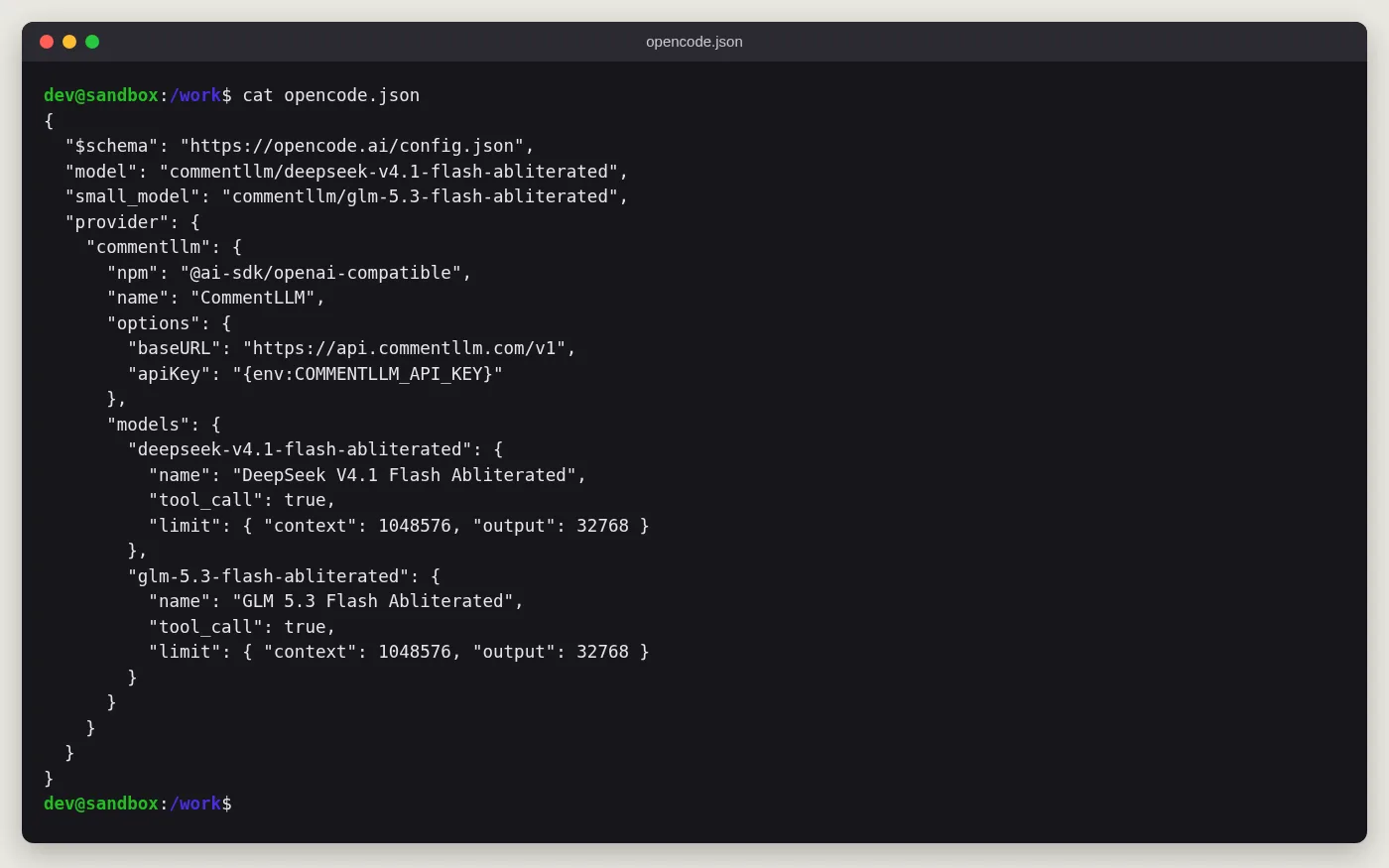
What matters in it:
| Setting | Why |
|---|---|
"npm": "@ai-sdk/openai-compatible" |
Tells opencode to call the OpenAI Chat Completions endpoint, /v1/chat/completions |
"model": "commentllm/..." |
The provider key, a slash, then the model key. Both must match the names under provider |
small_model |
The model opencode uses for light work such as session titles. GLM 5.3 Flash answers quickly without reasoning first, so we used it here |
limit |
opencode cannot tell how much context is left without it, because these models are not in its built-in list |
The project file and the global file are merged, and the project file wins where they disagree.
Step 3: start opencode
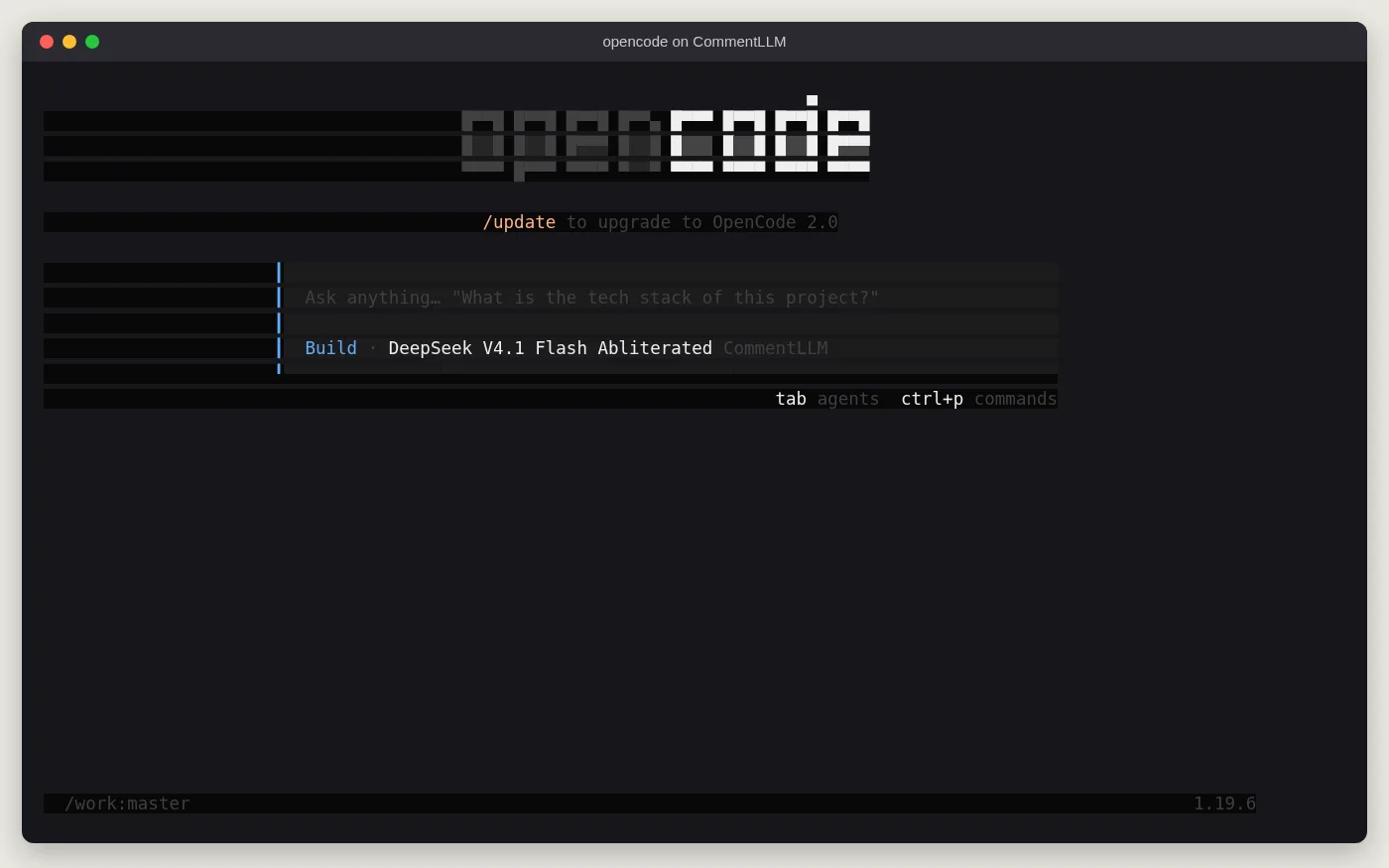
Run opencode in your project. It started straight away for us, with no login, and showed the model and provider under the prompt.
Step 4: give it a task
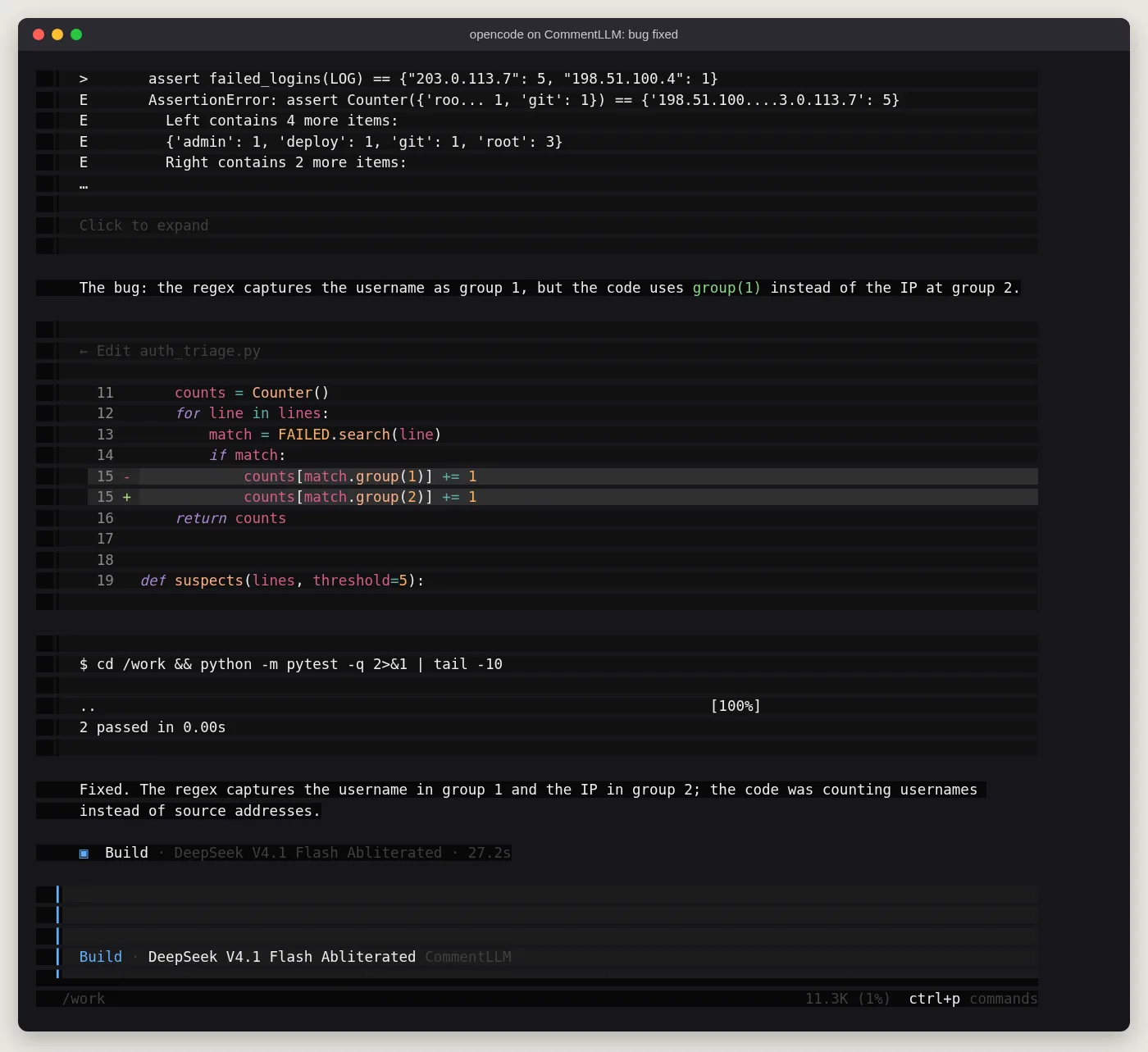
Our test project had a log-triage script with a bug: it counted failed SSH logins by username instead of by source address, so both tests failed. We asked:
The test suite fails. Run the tests, find the bug in auth_triage.py and fix it. Then run the tests again.
On DeepSeek V4.1 Flash Abliterated, opencode read the project, changed one line, ran the tests and summarised the fix. The whole turn took 27.2 seconds and used 11,300 tokens of context, 1% of the window.
Step 5: run it without the interface, on another model
opencode run runs a single prompt and prints the answer. Pass -m with provider/model to use another model for that run:
opencode run -m commentllm/glm-5.3-flash-abliterated "In one sentence, what does suspects() in auth_triage.py return?"
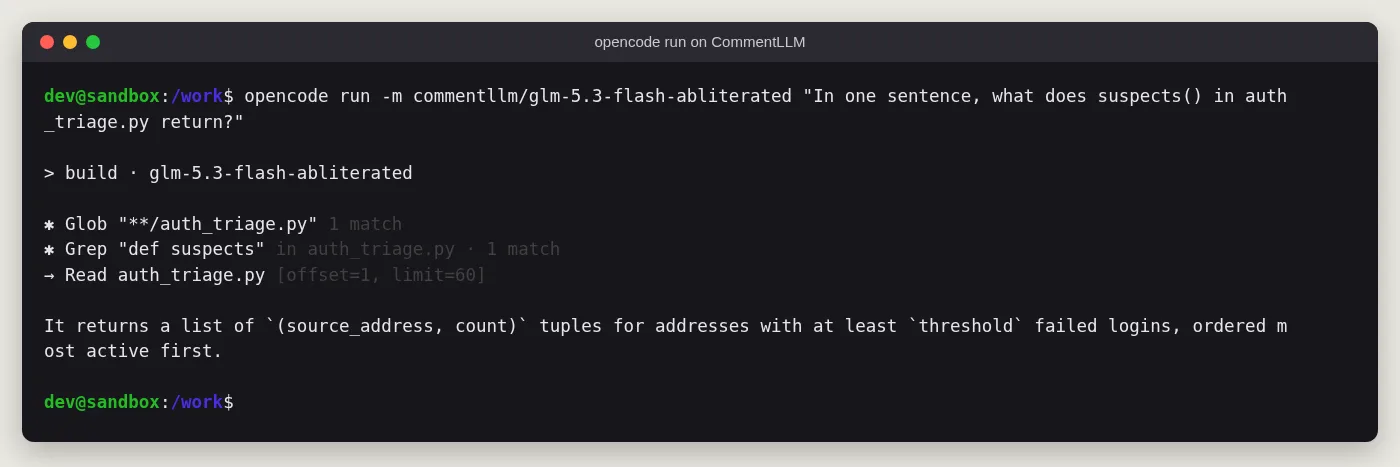
GLM 5.3 Flash found the file, read it and answered correctly.
Which model to use with opencode
| Model ID | Choose it for |
|---|---|
deepseek-v4.1-flash-abliterated |
Most coding work. It fixed the bug in our test |
deepseek-v4.1-flash-abliterated-fast |
The same work when speed matters |
glm-5.3-abliterated |
Harder reasoning |
glm-5.3-flash-abliterated |
Quick answers and small_model |
All four have a 1,048,576-token context window and write up to 32,768 tokens in one answer. Add any of them under models the same way. The pricing page lists current rates. All of our testing for this guide, across opencode, Claude Code and Codex CLI, cost less than $0.10.
What does not work
- Images. The models accept text only.
- Structured output. The API refuses
response_format.
Tool calls, file edits, shell commands and opencode run all worked.
opencode 2.0 uses a different config
opencode showed a notice inviting us to upgrade to opencode 2.0. Version 2 is a separate package, @opencode/cli, and its config uses providers with package and settings instead of provider with npm and options. Everything on this page is for the 1.x package, opencode-ai, which is what npm install -g opencode-ai installed on 26 November 2026. Some other install methods, such as Homebrew, may give you version 2.
Is this allowed?
opencode documents custom providers in its provider docs. On CommentLLM, every organization accepts the Acceptable Use Policy, which allows security work you are authorized to do. Abliterated models refuse far fewer requests than standard ones, which is why security teams use them, and also why you should run an agent on one in a sandbox or a project you can afford to lose.
Setting up a different agent? See Claude Code with abliterated models or Codex CLI with a custom provider. Or compare all three, and the models, on uncensored coding AI.
Questions
How do I add a custom provider to opencode?
Add a provider block to opencode.json that uses the @ai-sdk/openai-compatible package, with options.baseURL set to the API's base URL and options.apiKey set to {env:YOUR_KEY_VARIABLE}. List each model with its context and output limits, then set model to provider/model-id.
Can opencode use abliterated DeepSeek models?
Yes. On 26 November 2026 we ran opencode 1.19.6 on DeepSeek V4.1 Flash Abliterated through CommentLLM's OpenAI-compatible API, and it fixed a failing test in 27.2 seconds.
Where does opencode.json go?
In your project's root folder, or in ~/.config/opencode/opencode.json to apply to every project. opencode merges the two, and the project file wins where they disagree.
How do I use a different model for one opencode run?
Pass -m with provider/model to opencode run, for example opencode run -m commentllm/glm-5.3-flash-abliterated followed by your prompt.
Do I need /connect for a custom provider?
Not if the config reads the key from an environment variable with {env:...}, as in this guide. The /connect command stores a key in opencode's own credential file instead, and it still needs the provider block in opencode.json.